

 17 Feb 2026
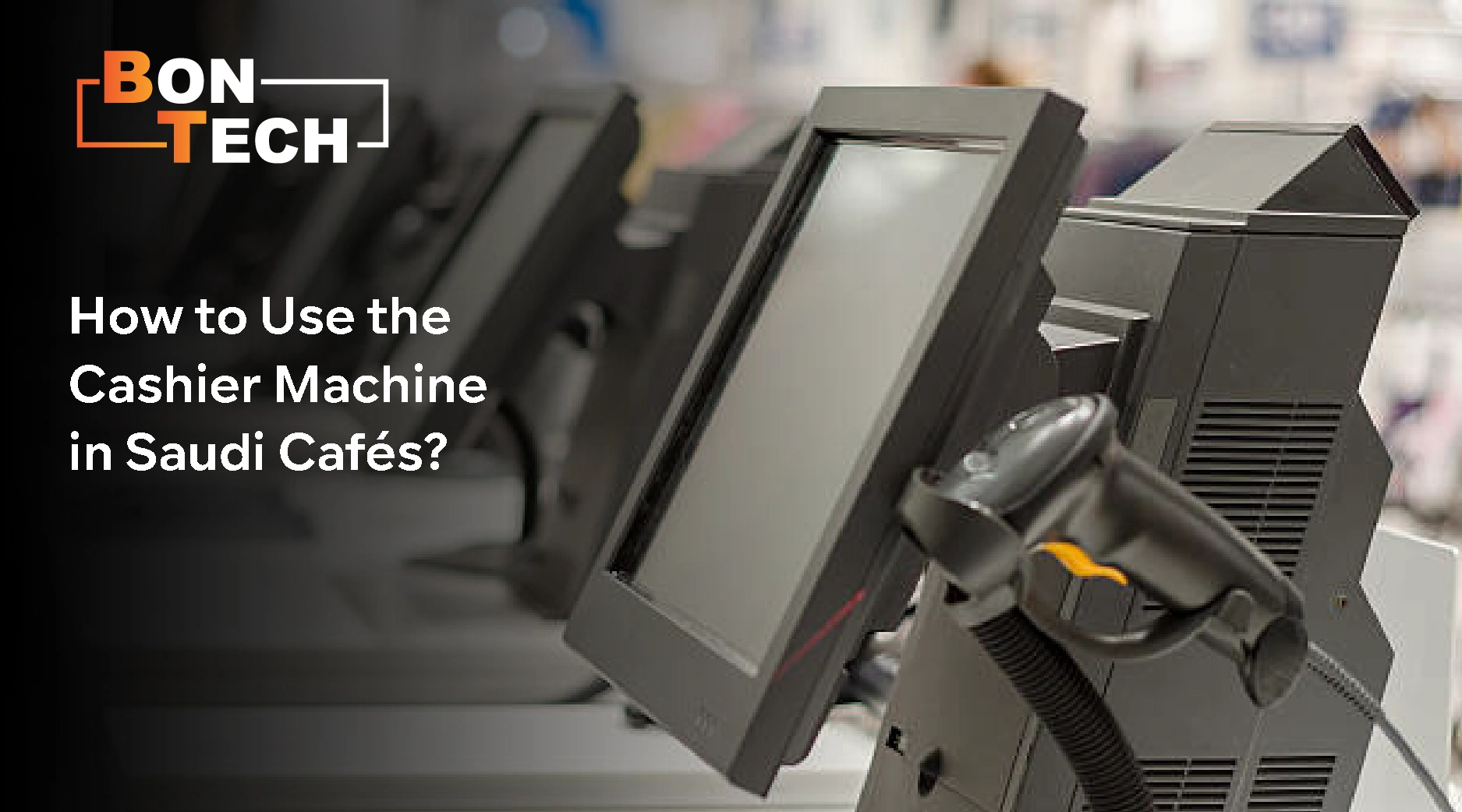
In Saudi Arabia’s thriving café scene, where traditional hospitality meets modern convenience, the humble cashier machine has evolved into a sophisticated command centre that can make or break your customer experience. This essential piece of technology does far more than just process payments; it orchestrates your entire operation, from kitchen to table. For café owners and staff looking to streamline service and boost efficiency, mastering how to use the cashier machine effectively is no longer optional; it’s a competitive necessity.
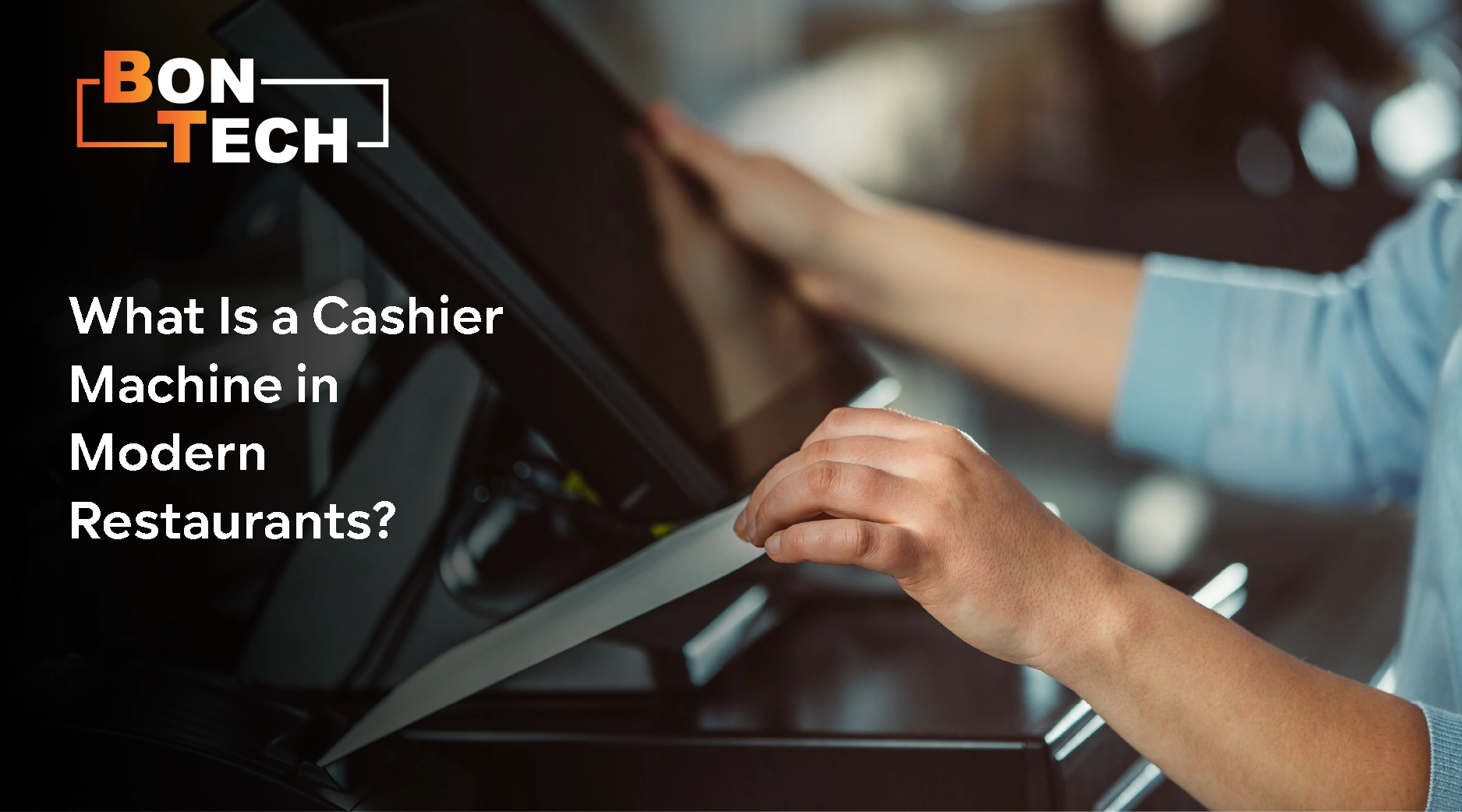
Gone are the days of basic cash registers. Today’s cashier machines in Saudi cafés are advanced POS systems that integrate payment processing with comprehensive business management. These systems handle everything from order taking and inventory tracking to customer relationship management and detailed sales analytics.
For Saudi businesses, modern systems like BonTech’s solution offer specific advantages: they support popular local payment methods like stc pay and mada Pay, provide multilingual interfaces, and comply with regional business regulations. This evolution transforms the cashier station from a simple transaction point to what BonTech describes as an “all-in-one payment and POS solution” that “organizes and streamlines your operations while enhancing customer satisfaction.”
Learn more: The best Restaurant Management System
Mastering the cashier machine begins with understanding the workflow for processing a typical dine-in order:
For those learning how to use the cashier machine for the first time, BonTech’s “user-friendly application” provides intuitive visual cues that reduce training time and minimize errors.
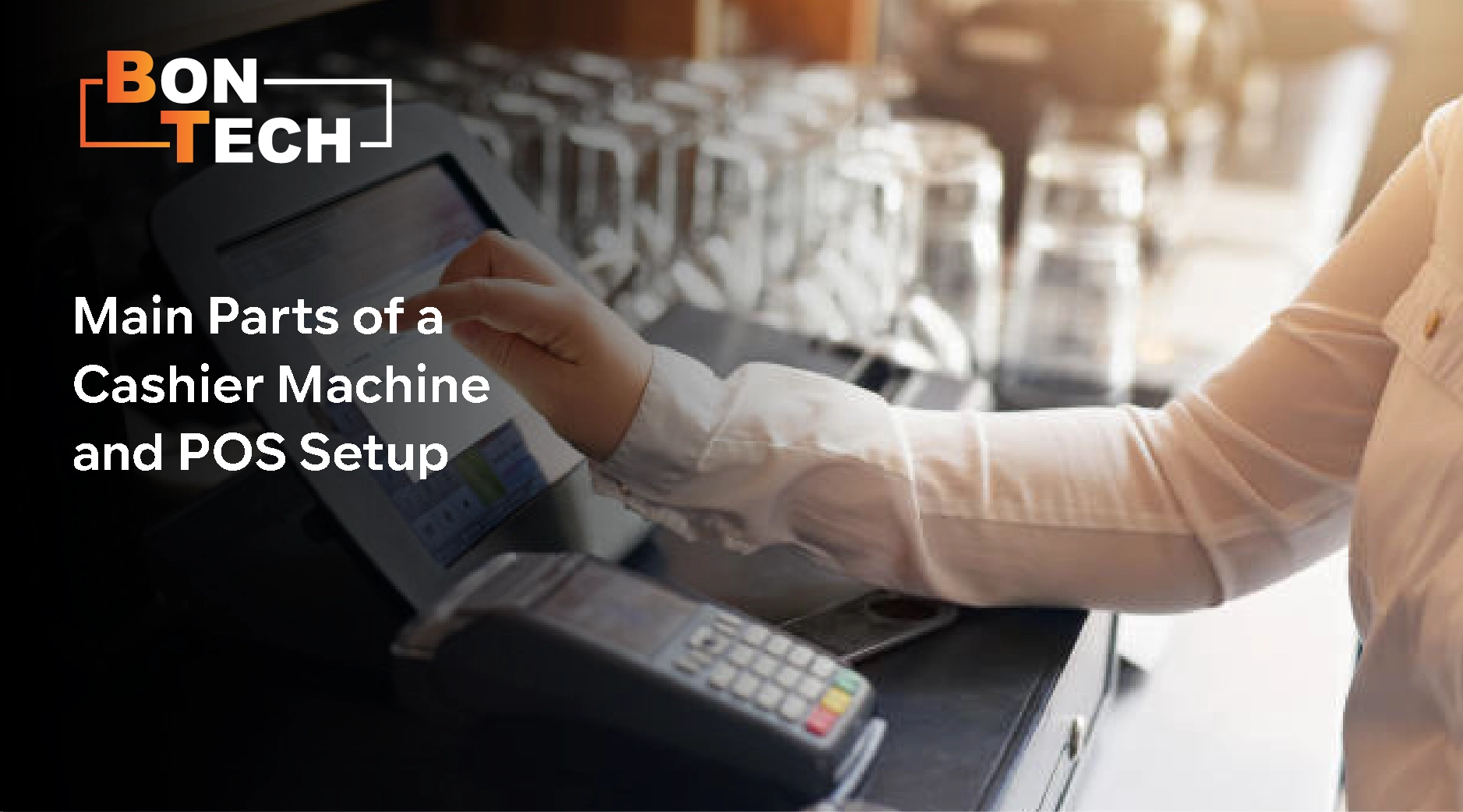
Understanding how a cashier machine works requires familiarity with its components:
BonTech provides “the ideal hardware solution to handle payments and run your point of sale smoothly, tailored precisely to your business needs,” ensuring all components work seamlessly together.
Modern systems must handle diverse payment preferences while maintaining security:
The system calculates exact change and only opens the cash drawer when necessary, reducing errors and security risks.
Integrated terminals process chip-and-PIN, swipe, and contactless transactions. BonTech “integrates with leading payment gateways” including Visa and Mastercard, for broad acceptance.
Saudi customers increasingly use mobile payments. Systems support local options like stc pay alongside international platforms like Apple Pay, enabling “fast, secure, and convenient payment processing.”
Advanced systems incorporate loyalty programs directly into transactions. BonTech’s system automatically awards points that “can be converted into a discount coupon,” enhancing customer retention without complicating payments.
Understanding how the cashier machine works with these varied methods reveals sophisticated software that routes each transaction appropriately while maintaining unified sales records.
Learn more: Best Kitchen Display System (KDS)
An integrated POS system creates a seamless operational flow:
This demonstrates that learning how to use the cashier machine involves mastering the technological hub coordinating your entire café operation.
Read more: POS Companies in Saudi Arabia Maximize your restaurant profits
BonTech supports these practices with tools to “monitor your restaurant’s performance and handle all management processes” with comprehensive tracking. Their Support Ticket System ensures technical issues are “solved quickly and effectively,” maintaining system integrity.
Read more: Point of Sale System For Fast Food Restaurants
A cashier machine integrates hardware components with software that manages transactions, inventory, customer data, and reporting. Modern systems like BonTech’s serve as the operational hub of your café, coordinating orders between front-of-house and kitchen, tracking inventory in real-time, and generating business insights. The system streamlines operations by automating calculations and providing a unified platform for all transaction-related activities.
Training should cover: POS interface navigation, order entry procedures, all payment processing methods, receipt handling, basic troubleshooting, and security protocols. BonTech’s user-friendly application simplifies this with intuitive workflows. Effective training also includes customer service principles, menu knowledge, and procedures for special situations like refunds.
Beginners learning how to use the cashier machine for the first time should develop both technical and interpersonal skills. Practice until POS navigation becomes instinctive, double-check orders before finalizing, and balance cash drawers accurately. Customer service requires maintaining a polite demeanor, processing transactions efficiently to reduce wait times, and learning product details to answer questions. BonTech’s clear visual interfaces and streamlined processes help beginners succeed by reducing complexity.
A traditional cashier machine primarily processes transactions and stores cash. A full POS system includes these functions but extends to integrate table management, inventory tracking, kitchen communication, customer relationship management, and business analytics. While a basic machine handles transactions, a full POS system like BonTech’s “covers everything from menu management to customer satisfaction” as a complete restaurant management solution.
BonTech enhances this with integrated table management showing table status and automatic kitchen communication, sending orders directly to preparation areas. Following this consistent sequence ensures thoroughness, especially for those learning how to use the cashier machine for the first time.
By implementing a modern system like BonTech’s, tailored for the Saudi market, café owners can transform their cashier machines from simple transaction processors into powerful business tools that drive efficiency, enhance customer satisfaction, and boost profitability.